
The journal
Types of pagination in REST APIs
A concise, practical explanation of page/offset, cursor/keyset (seek), and time-based pagination in REST APIs, with trade-offs, examples, and a decision checklist.
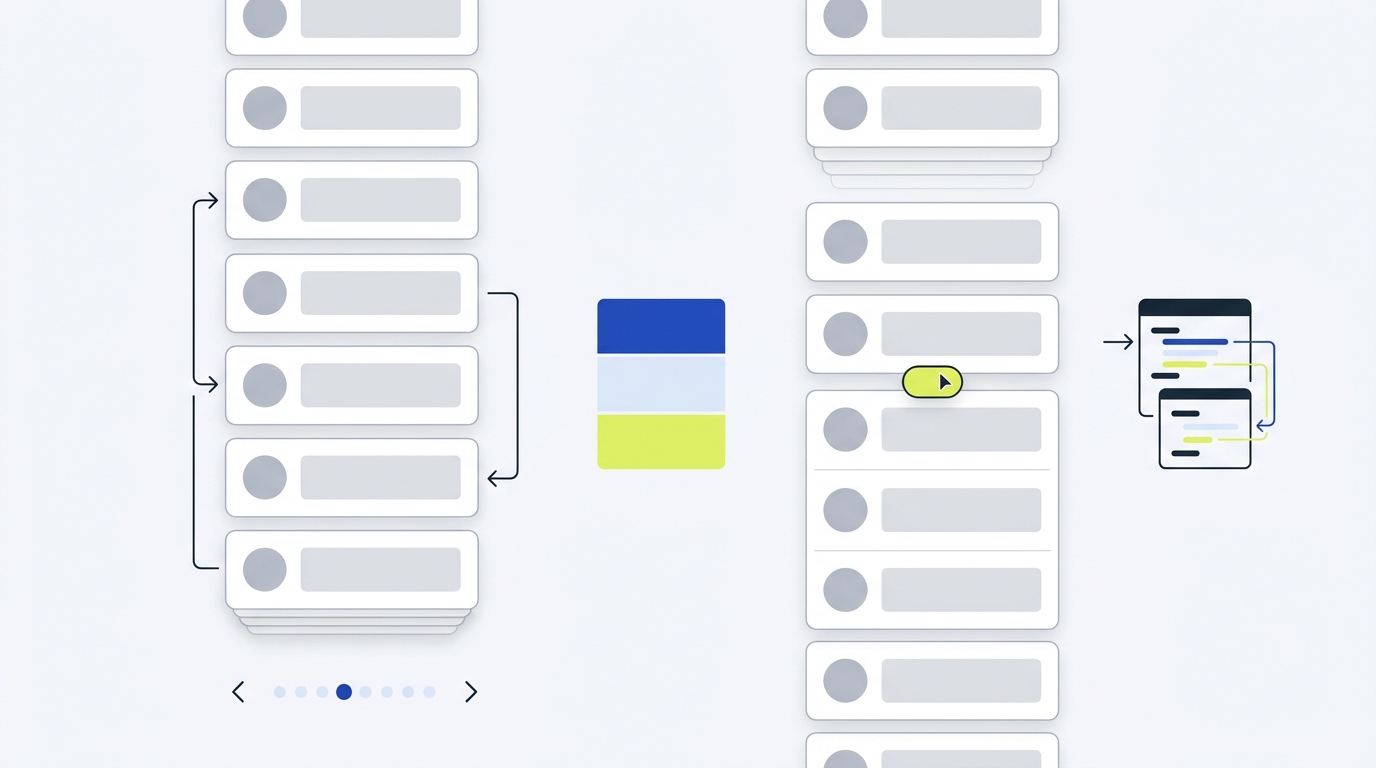
The main pagination types in REST APIs are page-number or offset-based (page and per_page or limit and offset), cursor-based or keyset/seek (after/before tokens or last-seen keys), and time-based (from/to or since timestamps). Many APIs also surface navigation via HTTP Link headers with rel="next" and related links regardless of the pagination type you choose Treblle guide on API pagination Nordic APIs pagination explainer GitHub REST API pagination.
Offset or page-number pagination
How it works: clients request a specific slice using numeric parameters such as limit and offset (or page and per_page), for example: GET /items?limit=50&offset=100. It’s straightforward and familiar, and it supports jumping directly to any page Treblle guide on API pagination Nordic APIs pagination explainer.
Pros:
- Simple to implement and easy for clients to understand.
- Direct random access to pages (useful for admin UIs).
Cons:
- Performance can degrade at high offsets as backends scan or skip many rows; results can shift if data changes between requests (often called page drift) Nordic APIs pagination explainer Treblle guide on API pagination.
Tip: Many APIs publish navigation links in the Link response header, e.g., first/prev/next/last, alongside page/per_page. GitHub documents this pattern and supports per_page with Link headers to navigate pages GitHub REST API pagination.
Cursor and keyset (seek) pagination
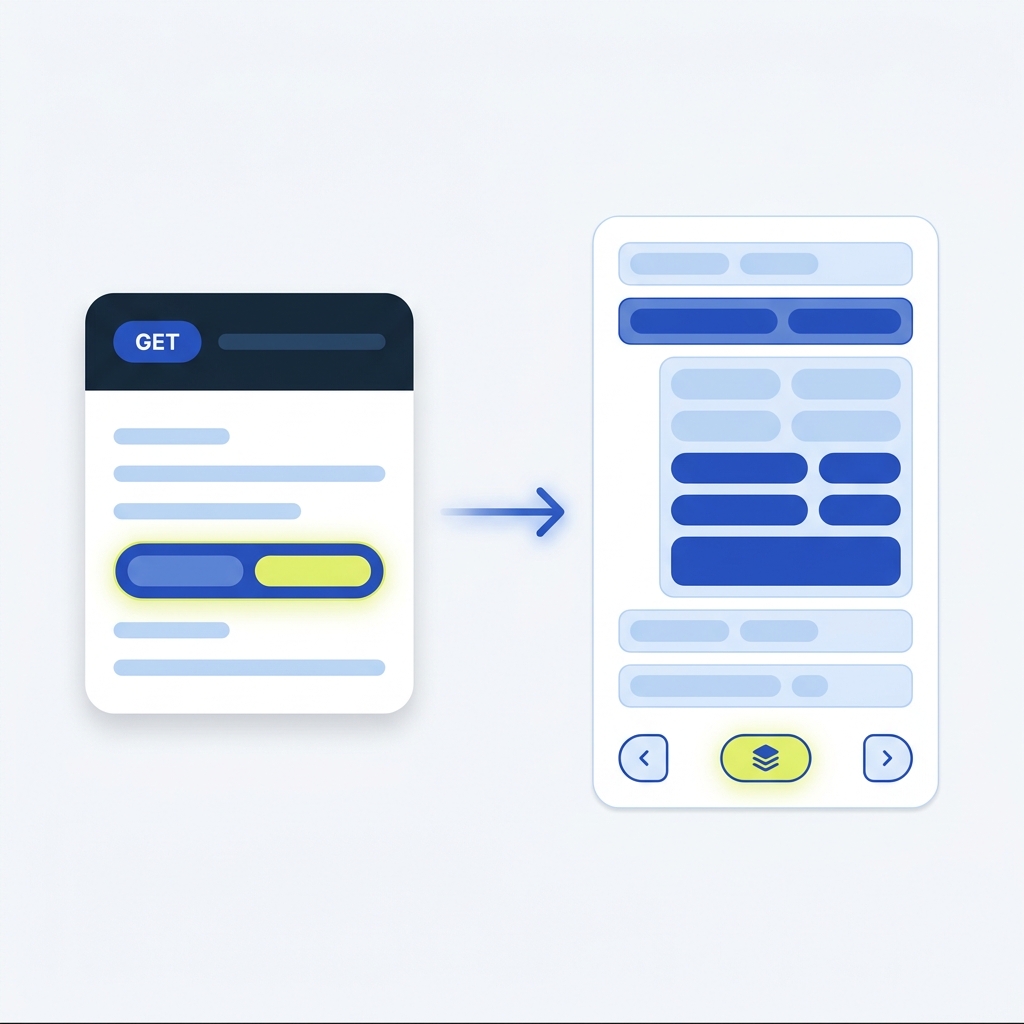
How it works: the server returns an opaque cursor (or uses last-seen key values) that the client sends back to continue, e.g., GET /items?after=opaque_token&limit=50. This avoids large OFFSET scans and is more stable when records are inserted or deleted during traversal. Variants include keyset/seek pagination that uses specific ordered fields like id or created_at as anchors Treblle guide on API pagination Nordic APIs pagination explainer.
Pros:
- Consistent performance for deep pagination and large datasets.
- Fewer duplicates or skips when data changes, given a stable sort key.
Cons:
- No easy random page jumps; traversal is typically sequential.
- Requires stable ordering and slightly more client/server logic.
Common parameters include after, before, or since. GitHub notes paginated endpoints may use page or before/after/since in Link URLs; clients follow rel="next" and related links rather than guessing parameters GitHub REST API pagination.
Time-based pagination
How it works: paginate using timestamps or time windows, for example GET /events?from=2025-01-01T00:00:00Z&to=2025-01-31T23:59:59Z or GET /posts?created_before=2025-01-01T00:00:00Z&limit=20. This fits logs, feeds, and time-series data ordered by time Treblle guide on API pagination XapiHub pagination techniques.
Pros:
- Natural for time-ordered datasets; straightforward queries by range.
Cons:
- Sparse intervals can yield empty pages; careful timezone handling is needed Treblle guide on API pagination.
Choosing the right type
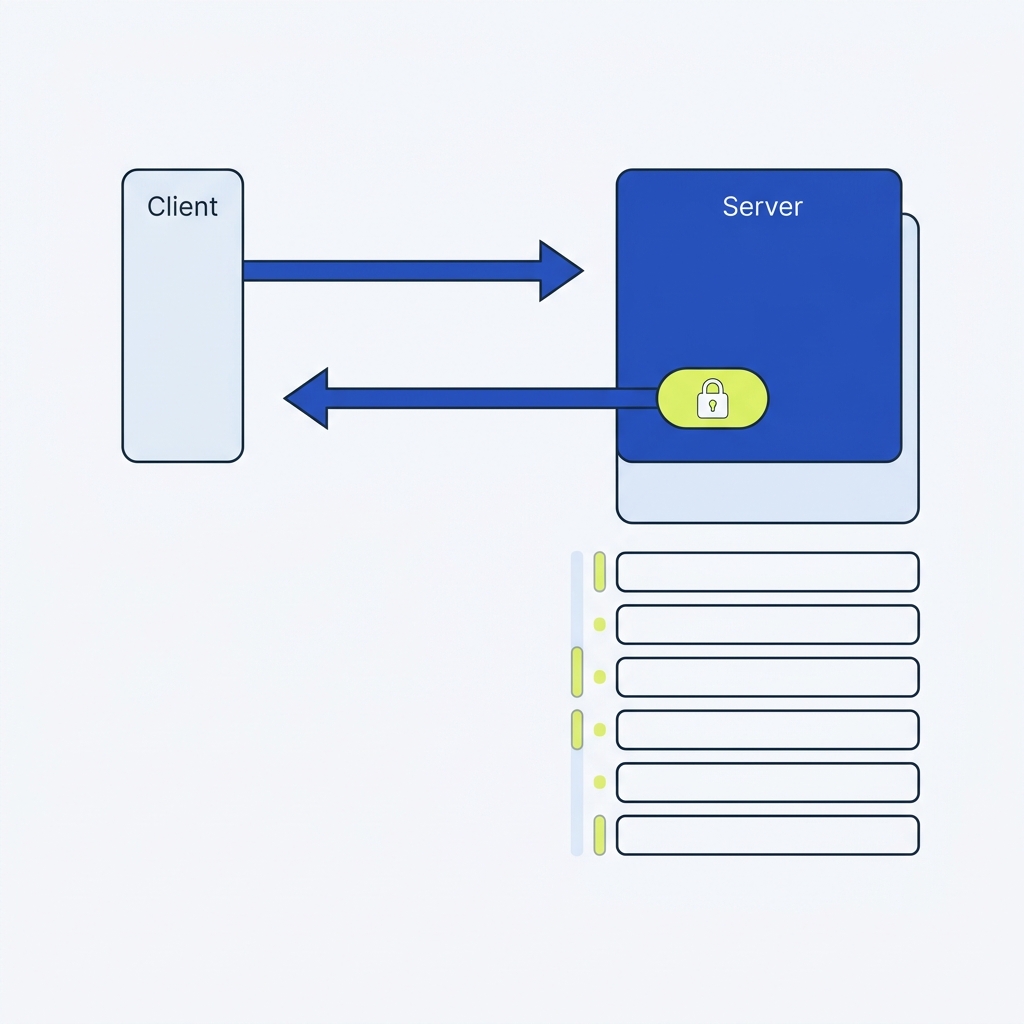
- Small datasets or UIs that need page numbers: prefer page/offset for simplicity and direct jumps Treblle guide on API pagination.
- Large datasets, infinite scroll, or deep traversal: prefer cursor or keyset/seek for stable performance and ordering Nordic APIs pagination explainer.
- Logs, audit trails, time-ordered feeds: consider time-based pagination for natural navigation by time windows XapiHub pagination techniques.
Pagination decision checklist for your API
What to return with each page
- Navigation via Link headers: GitHub documents rel="next", rel="prev", rel="first", and rel="last" to guide clients without hardcoding URLs GitHub REST API pagination.
- Optional totals: many teams include total and pages in the body for offset/page-number flows; this helps UIs render controls, but can add counting cost on large tables Treblle guide on API pagination.
- Parameter limits: if you support per_page, document maximums so clients don’t exceed allowed sizes; GitHub notes a typical max of 100 and adjusts values that exceed endpoint limits GitHub REST API pagination.
Related reading on Stack & Method
Design decisions around pagination often intersect with versioning and reliability policies. See What is API versioning? Practical guidance for small teams and What is an API timeout? Practical guidance for small teams.
FAQ
Is the Link header a pagination type?
No. It’s a discovery mechanism used with any pagination style to advertise next/prev/first/last URLs. GitHub’s REST API shows how to use Link headers to navigate pages GitHub REST API pagination.
Can I offer both offset and cursor?
Yes, it’s viable to support offset/page for simple, shallow use and cursor/keyset for deep traversal. Make one style the preferred default and document parameters and limits clearly.
