
The journal
HTTP 409 Conflict: what it means and how to handle it
A concise, practical explanation of HTTP 409 Conflict, how it differs from syntax/validation errors, and a safe re-read and reconcile workflow before retrying.
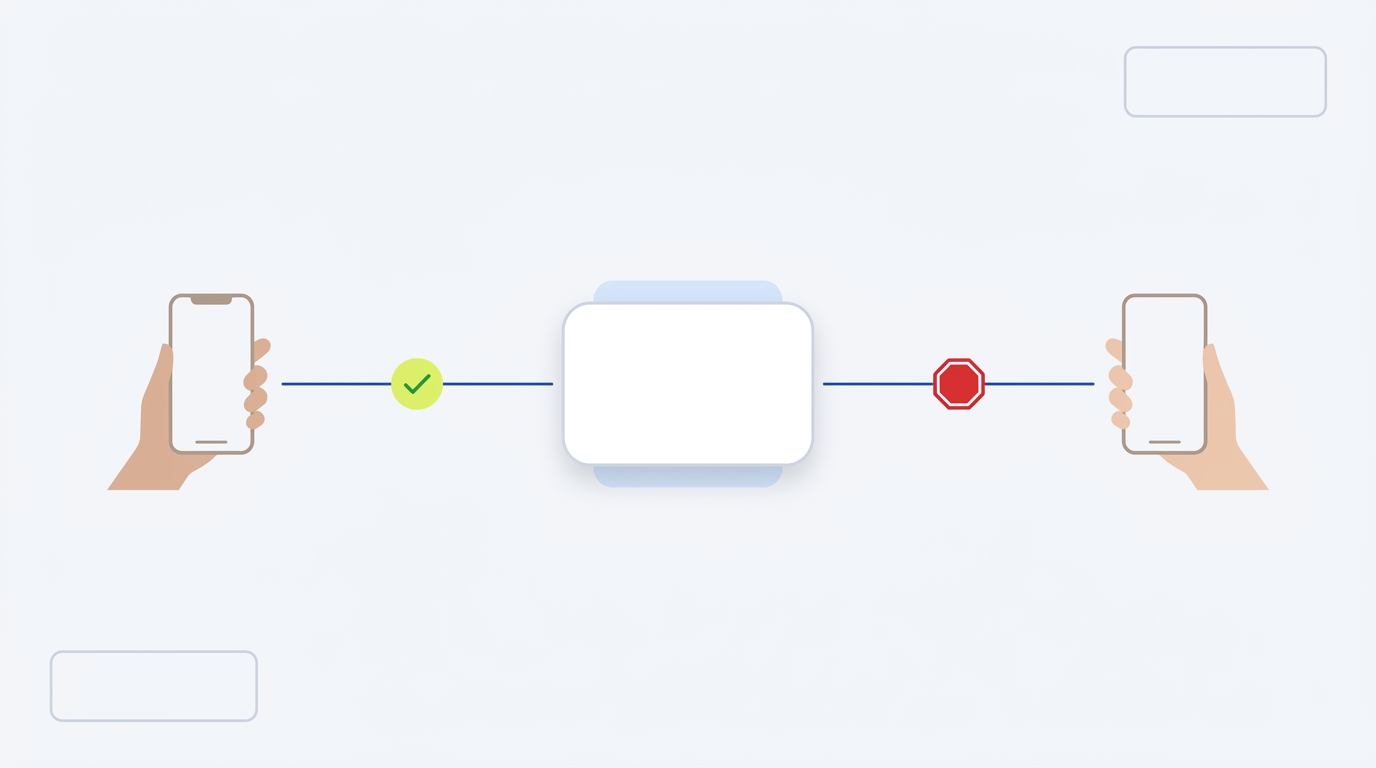
HTTP 409 Conflict means your request can’t be applied because it clashes with the current state of the target resource. Resolve the state mismatch first, then resubmit the request MDN: 409 Conflict.
What a 409 means (and what it doesn’t)
409 Conflict indicates a request conflicts with the current state of the resource. Typical examples include competing edits or version mismatches MDN: 409 Conflict.
Not a syntax or validation failure
- 400 Bad Request: the server can’t process the request due to malformed syntax or similar client errors MDN: HTTP status codes.
- 422 Unprocessable Content: the request was well-formed, but failed semantic or content validation. Repeating it without fixing the content will still fail MDN: 422 Unprocessable Content.
Why 409 happens: common conflict scenarios
- Concurrent updates to the same resource where one update lands first and makes the other outdated MDN: 409 Conflict.
- Creating a nested collection where a required parent segment doesn’t exist (for example, creating /a/b/c/d/ when /a/b/c/ is missing) MDN: 409 Conflict.
- Uploading an older file that would overwrite a newer one (version control conflict) MDN: 409 Conflict.
- Implementation-specific locks or exclusivity rules (for example, disallowing concurrent tasks) where the server returns 409 with details for the client to decide next steps MDN: 409 Conflict.

A safe reconcile and re-read workflow
1) Detect
Check response status for 409. Capture and log any structured error body the server includes (many APIs provide fields that identify the conflict, as in MDN’s example) MDN: 409 Conflict.
2) Re-read current state
Fetch the latest representation of the resource so you know what actually exists now.
3) Reconcile
- Attempt a safe, deterministic merge if your domain rules allow it.
- If not mergeable, prompt a user or apply a clear automated policy (e.g., prefer newest timestamp, or abort).
4) Resubmit with protections
- Only retry after you’ve resolved the conflict condition.
- Use conditional requests (preconditions) so the server enforces “only apply if this version is still current,” yielding 412 Precondition Failed if it changed under you MDN: HTTP status codes.
- Some servers require requests to be conditional to prevent lost updates, returning 428 Precondition Required otherwise MDN: HTTP status codes.
Never blindly retry a state-changing request
A 409 is about state, so immediate retries without changing anything typically repeat the conflict. Re-read, reconcile, and make the next request conditional to avoid racing with other writers.
How to detect and act on 409s in code
- Branch on HTTP status 409.
- Parse the error payload for server-provided conflict context (for example, a running task ID or conflicting version) MDN: 409 Conflict.
- Fetch the latest resource (GET) and compute a diff from your attempted change.
- Prepare a new request that either merges allowable fields or aborts with a clear reason.
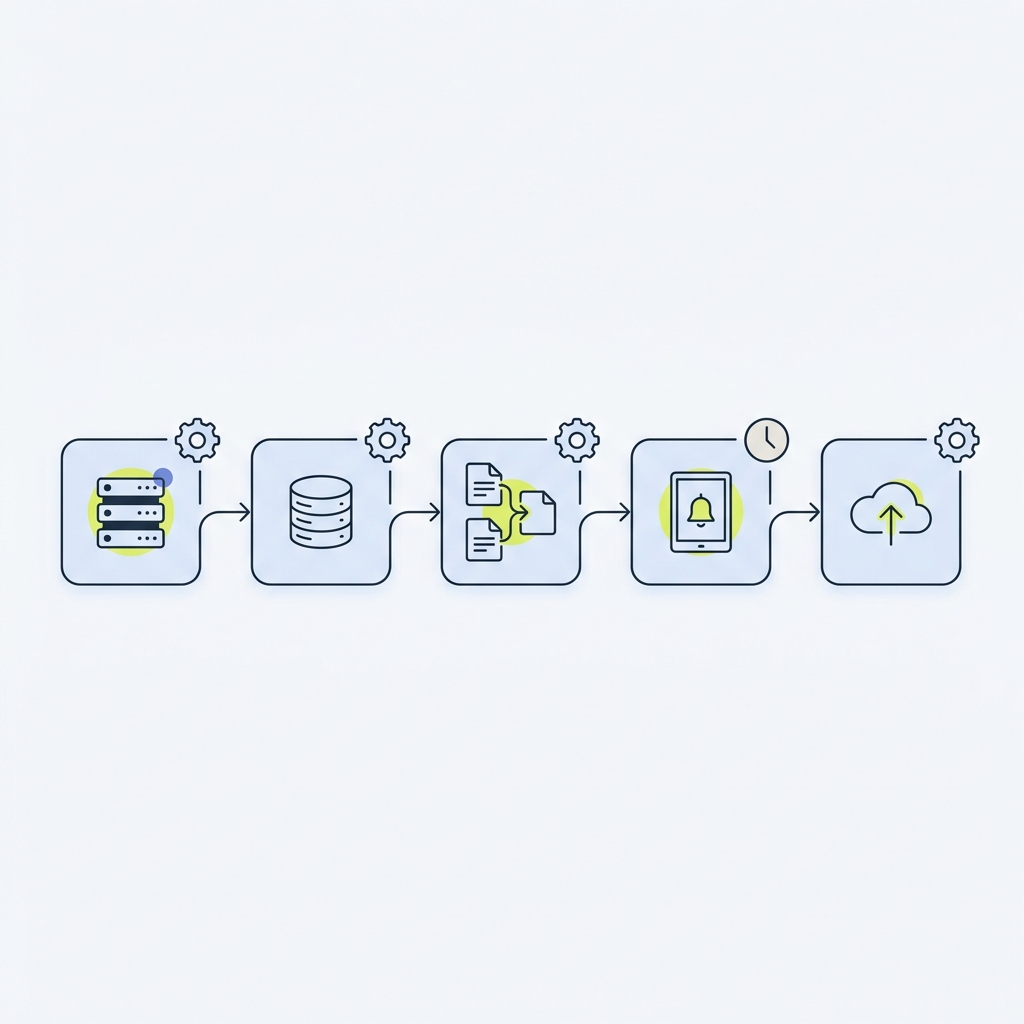
Choose the right response: retry, merge, or fail
- Retry later only if the conflicting condition can end on its own (for example, a brief exclusive lock), and make the retry conditional so it can’t silently clobber a newer state MDN: HTTP status codes.
- Merge if your rules allow a deterministic reconciliation that preserves integrity. Otherwise, require a human decision.
- Fail fast with a clear message when the operation cannot be safely applied.
Resolve a 409 safely: operator checklist
Related patterns on Stack & Method
- Idempotency keys: safe retries without duplicate actions
- Correlation IDs in APIs: what they are and how to use them
FAQ
409 vs 422: how do I tell the difference?
422 means the request was well-formed but failed semantic or content validation, so repeating it without fixing the content will still fail MDN: 422 Unprocessable Content. 409 means your request conflicts with the current resource state MDN: 409 Conflict.
Should I add preconditions to avoid 409s?
Yes. Conditional requests help prevent lost updates. If the state changed, the server can return 412 Precondition Failed, and some servers require these conditions, returning 428 Precondition Required if they’re missing MDN: HTTP status codes.
Why not auto-retry a 409?
Because the conflict is about state, an immediate retry with the same input will likely collide again. Re-read, reconcile, and retry only when the conflict condition has changed.
