
The journal
What is a payload in a REST API?
A clear definition of payload in REST APIs, where it appears in requests and responses, common formats, and practical steps to build and validate one.

In a REST API, a payload is the actual data carried in the HTTP message body of a request or response. It is the information your client sends to the server (for example, to create or update a resource) or the data the server returns to your client. Common formats include JSON and XML, and files are often sent using multipart form-data (Adchitects: API payloads guide). Many platforms document exactly which fields a request payload must contain for each endpoint (Payload CMS: REST API overview), and some vendors use the term to describe resource-specific bodies you read or send (Microsoft Fabric: Get Item Payload).
Where the payload appears
Request payload vs. response payload
- Request payload: The structured body your client sends, such as a JSON object for creating or updating a resource (Payload CMS: REST API overview).
- Response payload: The structured body the server returns with data or outcome details, commonly in JSON or XML (Adchitects: API payloads guide).
Common formats and methods
- Formats: JSON and XML are common; file uploads typically use multipart form-data (Adchitects: API payloads guide).
- Methods: Create and update operations commonly rely on request payloads with POST or PATCH/PUT bodies (Payload CMS: REST API overview).
How to build a correct payload
The API’s schema defines the shape
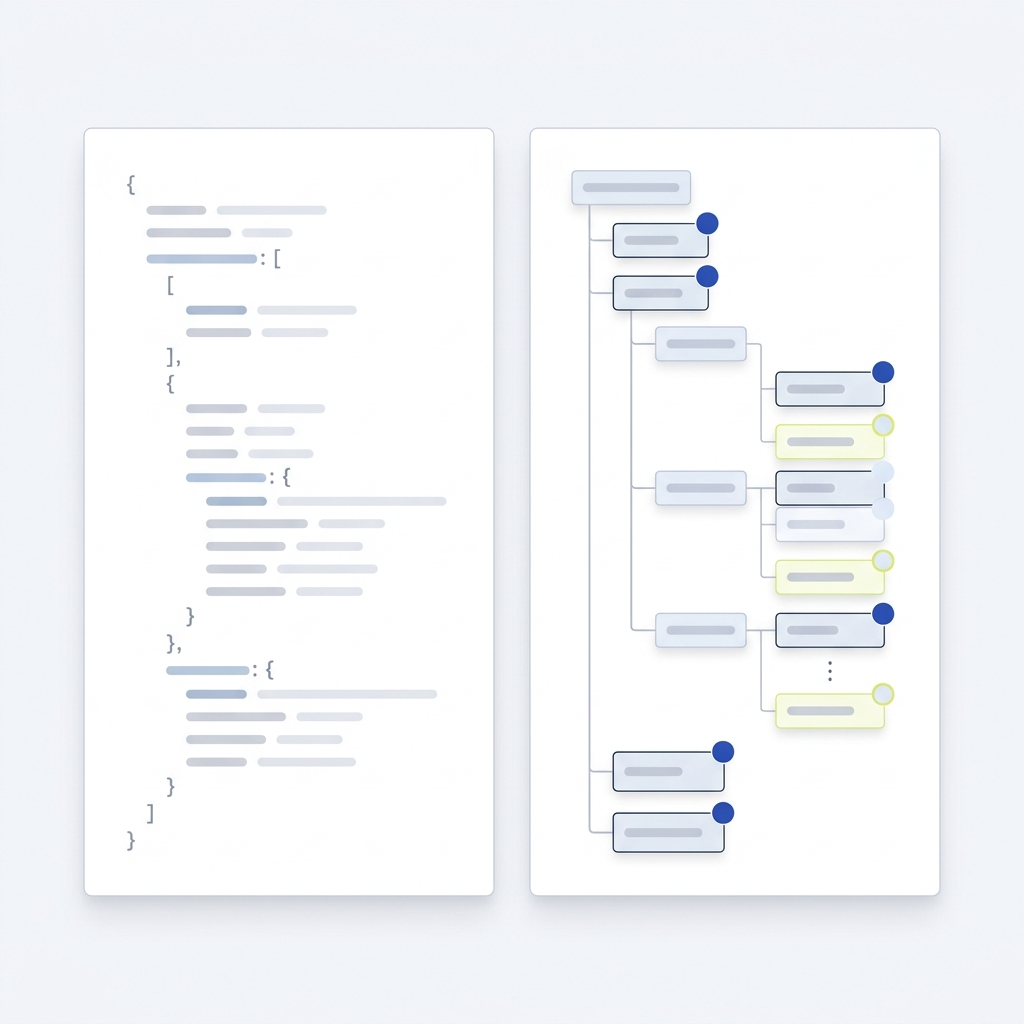
Always match the keys, types, and nesting the API expects. Vendor docs typically specify required and optional fields, examples, and constraints. For example, Microsoft Fabric describes an item payload as the object containing properties specific to that item type (Microsoft Fabric: Get Item Payload).
Size limits and the 413 error
Servers may enforce maximum request sizes. If the request entity exceeds limits, you can receive HTTP 413 Content Too Large. Some servers include a Retry-After header to indicate when to try again (MDN: 413 Content Too Large).
Quick checklist to prepare a request payload
Troubleshooting tips
Common causes of payload errors
- Missing required fields or wrong data types. Compare your body to the endpoint’s example and schema (Payload CMS: REST API overview).
- Unsupported or misspelled properties. Remove extras the API does not document.
- Incorrect media type. If uploading files, many APIs expect multipart form-data (Adchitects: API payloads guide).
- Body too large. Expect HTTP 413 and consider splitting, compressing, or paginating data where supported (MDN: 413 Content Too Large).

Examples you’ll see in docs
- Create or update JSON bodies that mirror the resource schema (for example, fields for name, type, and description) (Payload CMS: REST API overview).
- Resource-specific payloads that differ per item type, as in Microsoft Fabric’s item payload concept (Microsoft Fabric: Get Item Payload).
- Multipart form-data for file uploads with a file field and any accompanying metadata (Adchitects: API payloads guide).
Related reading
- What are the differences between REST APIs and webhooks? A practical guide
- What is API versioning? Practical guidance for small teams
FAQ
Is a payload the same as the HTTP body?
Yes. In API discussions, payload usually means the data in the HTTP message body of a request or response (Adchitects: API payloads guide).
What formats are most common?
JSON is widely used, and XML appears in some systems. File uploads commonly use multipart form-data (Adchitects: API payloads guide).
What happens if my payload is too large?
The server may return HTTP 413 Content Too Large, and sometimes a Retry-After header. Reduce size by chunking, pagination, or compression if supported (MDN: 413 Content Too Large).

A useful next step
If the different uses of JSON become confusing, CheckMySchema compares JSON Schema and JSON-LD, including validation and linked page data. JSON Schema vs JSON-LD: what is the difference?.