
The journal
How to stringify a JSON object in Python
Use json.dumps(obj) to serialize Python data to a JSON-formatted string; use json.dump(obj, fp) to write JSON directly to a file. Examples include pretty printing, compact output, Unicode handling and safe settings for NaN/Infinity.
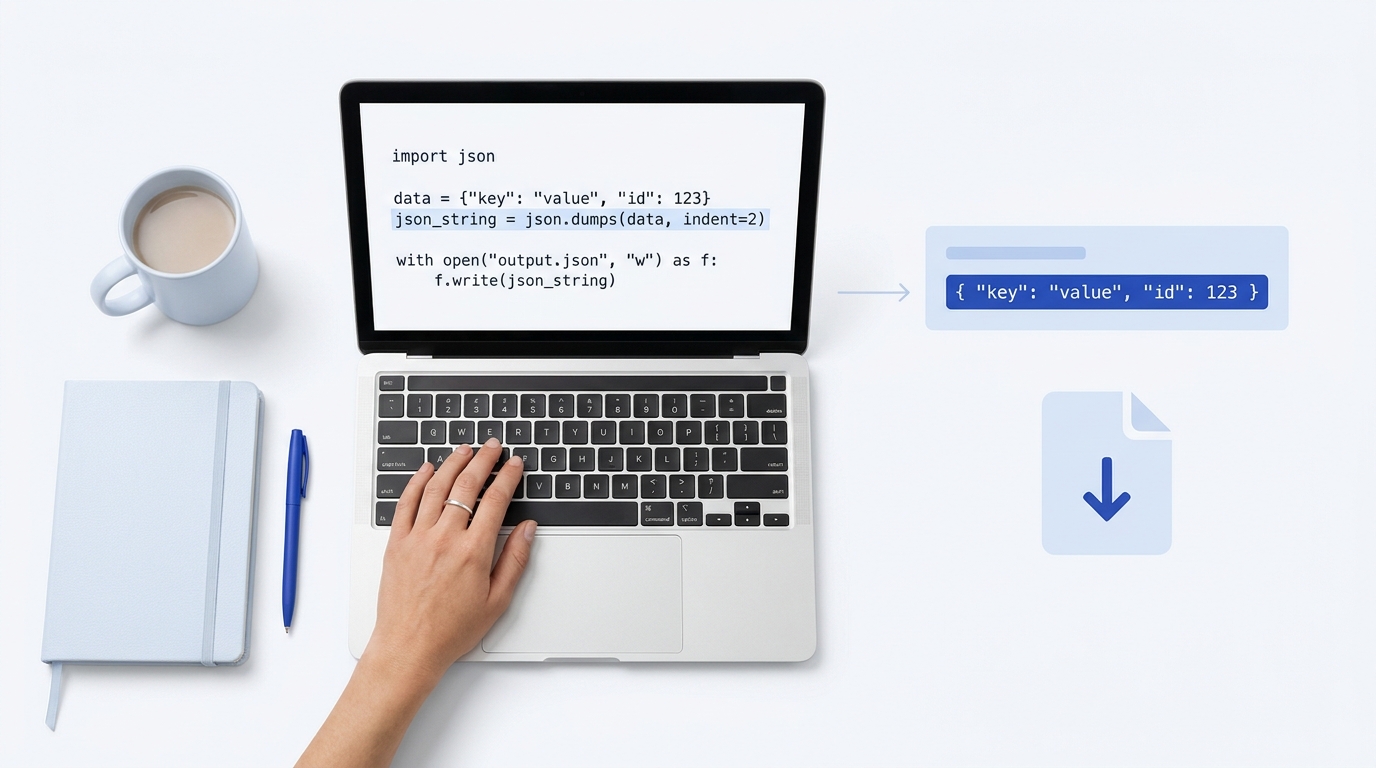
Use json.dumps(obj) from Python’s standard json module to turn a Python dict or list into a JSON-formatted string. If you want to write JSON to a file, use json.dump(obj, fp) instead. Both behaviors and their options are defined in Python’s official documentation Python json module docs.
Quick start
import json

payload = {"name": "Alex", "active": True, "roles": ["admin", "editor"]}
json_str = json.dumps(payload)           # JSON string
print(json_str)                          # {"name": "Alex", "active": true, "roles": ["admin", "editor"]}

# Write JSON directly to a file
with open("data.json", "w", encoding="utf-8") as f:
    json.dump(payload, f, indent=2)
In Python, “stringify” is commonly referred to as “serialize to JSON.” json.dumps returns a str; json.dump writes to a file-like object Python json module docs. For developers coming from JavaScript, json.dumps is the Python equivalent of JSON.stringify MDN JSON.stringify.
Worked examples you will actually use
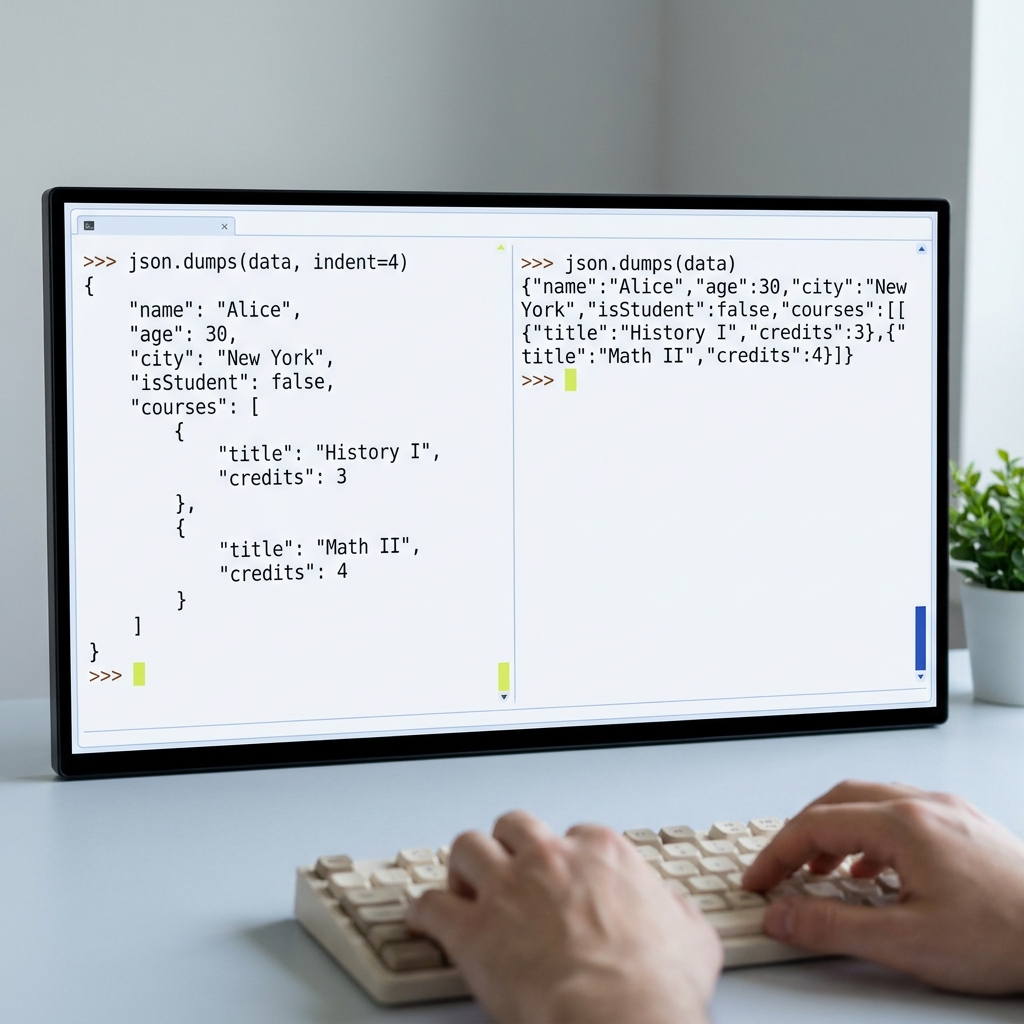
Pretty vs compact output
import json
obj = {"id": 7, "tags": ["a", "b"], "meta": {"sorted": True}}

# Human-friendly
pretty = json.dumps(obj, indent=2, sort_keys=True)
# Size-friendly
compact = json.dumps(obj, separators=(",", ":"))

print(pretty)
print(compact)
indent adds whitespace for readability; separators=(",", ":") removes extra spaces for the most compact string Python json module docs.
Unicode and ensure_ascii
import json
obj = {"greeting": "Olá 👋"}

default_ascii = json.dumps(obj)                 # ensure_ascii=True by default
utf8_direct = json.dumps(obj, ensure_ascii=False)

print(default_ascii)  # {"greeting": "Ol\u00e1 \ud83d\udc4b"}
print(utf8_direct)    # {"greeting": "Olá 👋"}
ensure_ascii defaults to True, escaping non-ASCII characters. Set ensure_ascii=False to emit characters as-is (still valid JSON) Python json module docs.
Handling values that aren’t JSON-serializable
import json, datetime

data = {"when": datetime.datetime(2026, 10, 27, 9, 30), "ok": True}

# This would raise TypeError without a default handler
json_str = json.dumps(data, default=lambda o: o.isoformat() if hasattr(o, "isoformat") else str(o))
print(json_str)  # {"when": "2026-10-27T09:30:00", "ok": true}
If an object can’t be encoded, json.dumps raises TypeError unless you provide default=... or a custom JSONEncoder subclass Python json module docs.
When to return a string vs write to a file
- Use json.dumps when you need a string to send as an HTTP request body or to log/pipe through systems that expect text. For broader context on sending request bodies, see our explainer on API payloads.
- Use json.dump when persisting data directly to a file object.
import json

data = {"project": "stack-and-method", "version": 1}
with open("config.json", "w", encoding="utf-8") as f:
    json.dump(data, f, indent=2)
Round trip: string to Python and back
import json
orig = {"n": 1, "items": ["x", "y"]}
s = json.dumps(orig)
parsed = json.loads(s)
assert parsed == orig

# From a file
# with open("data.json", "r", encoding="utf-8") as f:
#     parsed = json.load(f)
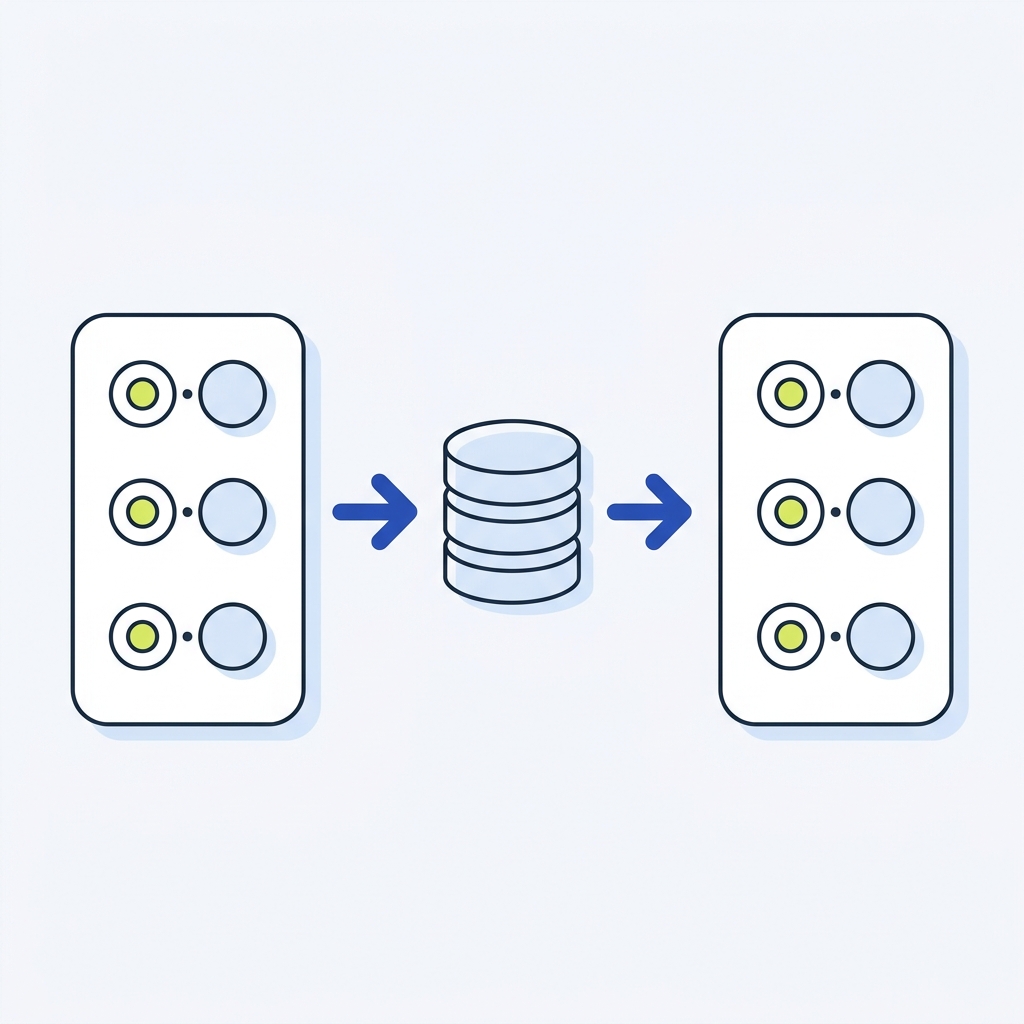
Use json.loads for strings and json.load for file-like objects Python json module docs.
Safe and portable settings
- Strict numbers: The JSON spec doesn’t allow NaN/Infinity. By default, Python will serialize them as NaN/Infinity; set allow_nan=False to enforce strict JSON and raise ValueError if they appear Python json module docs.
import json, math
try:
    json.dumps({"v": math.nan}, allow_nan=False)
except ValueError as e:
    print("Strict JSON error:", e)
- Key types: JSON object keys are strings. If your Python dict has non-string keys, they are stringified; a loads(dumps(x)) round-trip may not equal the original when keys aren’t strings Python json module docs.
- Deterministic output: Use sort_keys=True to stabilize ordering for testing or diffing Python json module docs.
If you regularly stream one JSON object per line for processing, see our primer on JSONL files.
Quick test before you ship JSON strings

Short FAQ
What’s the Python equivalent of JSON.stringify?
json.dumps(obj) returns a JSON-formatted string. It plays the same role in Python that JSON.stringify does in JavaScript Python json module docs MDN JSON.stringify.
How do I pretty print?
Pass indent (for example, indent=2) and optionally sort_keys=True to json.dumps or json.dump Python json module docs.