
The journal
What is a dead-letter queue? Practical explanation and setup checklist
A clear definition of dead-letter queues, how they work in common platforms, when to use them, and a practical checklist to set up monitoring and safe replay.
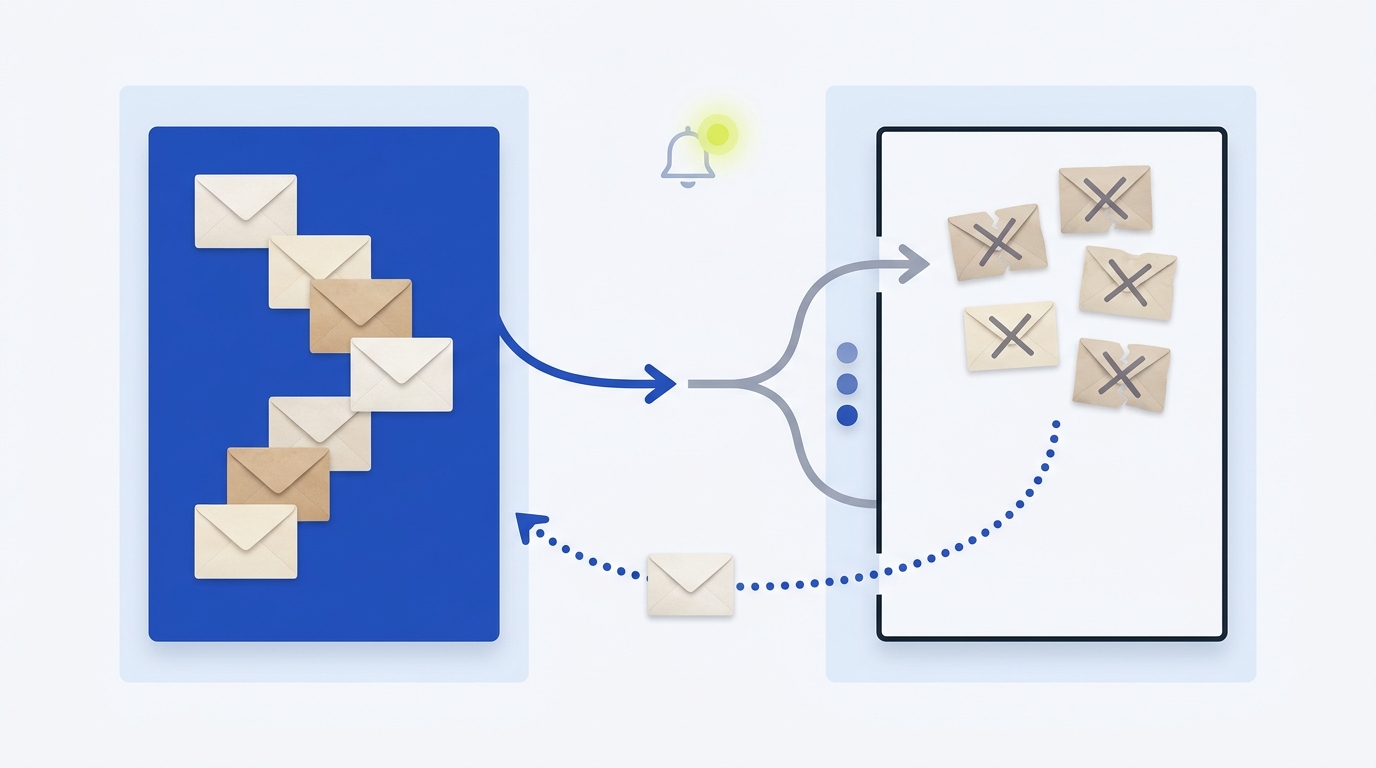
A dead-letter queue (DLQ) is a separate queue where messages go when your system cannot process them after the configured attempts, so you can inspect, fix the cause, and safely reprocess instead of losing data https://aws.amazon.com/what-is/dead-letter-queue/ https://learn.microsoft.com/en-us/azure/service-bus-messaging/service-bus-dead-letter-queues.
How a dead-letter queue works
Conceptually, your primary queue processes messages. If a message keeps failing or violates rules like size or TTL, it is moved to the DLQ for later handling. Modern systems let you examine the reason and then manually or automatically “redrive” messages back to the source after you fix the cause https://aws.amazon.com/what-is/dead-letter-queue/.
Examples in common platforms
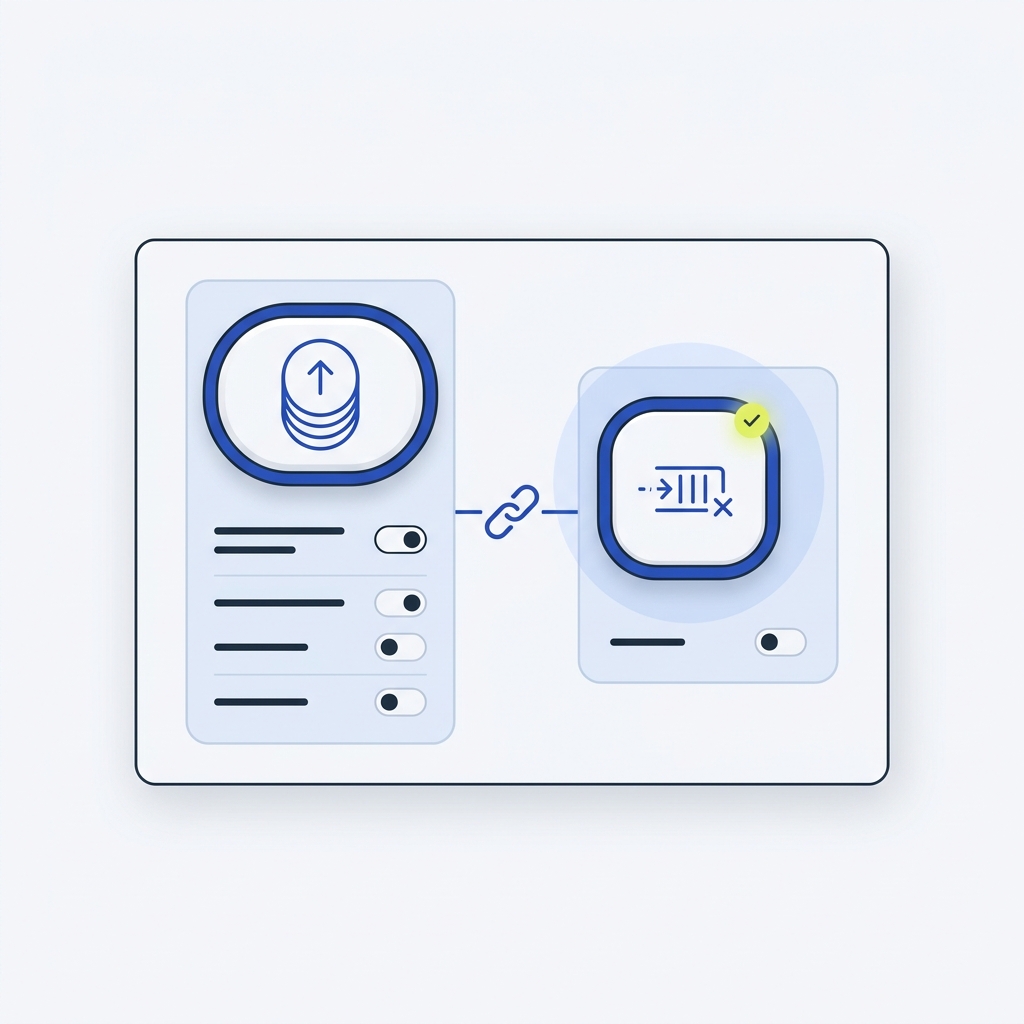
Amazon SQS: You configure a redrive policy on the source queue with a maxReceiveCount. When a message is received that many times without being deleted, it moves to the configured DLQ. The DLQ must be in the same AWS account and Region as the source queue. For Standard queues, set the DLQ retention longer than the source queue so messages remain available for investigation. Avoid DLQs with FIFO queues if strict order cannot be broken https://docs.aws.amazon.com/AWSSimpleQueueService/latest/SQSDeveloperGuide/sqs-dead-letter-queues.html.
Azure Service Bus: Each queue or subscription has a built-in dead-letter subqueue. Messages can land there for reasons such as MaxDeliveryCountExceeded or TTLExpiredException. There is no automatic cleanup; messages remain until you explicitly handle them, and you can inspect “dead-letter reason” and “description” metadata to understand the failure https://learn.microsoft.com/en-us/azure/service-bus-messaging/service-bus-dead-letter-queues.
Other systems expose similar triggers, like nonexistent destination, size limits, or TTL expiry https://en.wikipedia.org/wiki/Dead_letter_queue.
When you should (and shouldn’t) use a DLQ
Good fits
- You expect occasional malformed or out-of-date messages and need to preserve them for audit and debugging https://aws.amazon.com/what-is/dead-letter-queue/.
- You want to cap retries to protect throughput, then hand off to a human or automated remediation flow https://docs.aws.amazon.com/AWSSimpleQueueService/latest/SQSDeveloperGuide/sqs-dead-letter-queues.html.
Use caution
- If you must preserve strict FIFO ordering and replaying out of band would break correctness, don’t attach a DLQ that changes order https://docs.aws.amazon.com/AWSSimpleQueueService/latest/SQSDeveloperGuide/sqs-dead-letter-queues.html.
- If your policy is to retry indefinitely until a dependency recovers, a DLQ might be unnecessary for that flow https://aws.amazon.com/what-is/dead-letter-queue/. Consider the trade-offs alongside your retry strategy (Should we retry on 500?).
Common reasons messages enter a DLQ
- Exceeded maximum delivery/receive attempts (for example, MaxDeliveryCountExceeded in Service Bus) https://learn.microsoft.com/en-us/azure/service-bus-messaging/service-bus-dead-letter-queues.
- Message expired (TTL) or exceeded size limits https://learn.microsoft.com/en-us/azure/service-bus-messaging/service-bus-dead-letter-queues https://en.wikipedia.org/wiki/Dead_letter_queue.
- Destination entity changed, missing, or cannot accept the message (platform-specific) https://aws.amazon.com/what-is/dead-letter-queue/ https://en.wikipedia.org/wiki/Dead_letter_queue.
Set up and operate a DLQ
Configuration basics
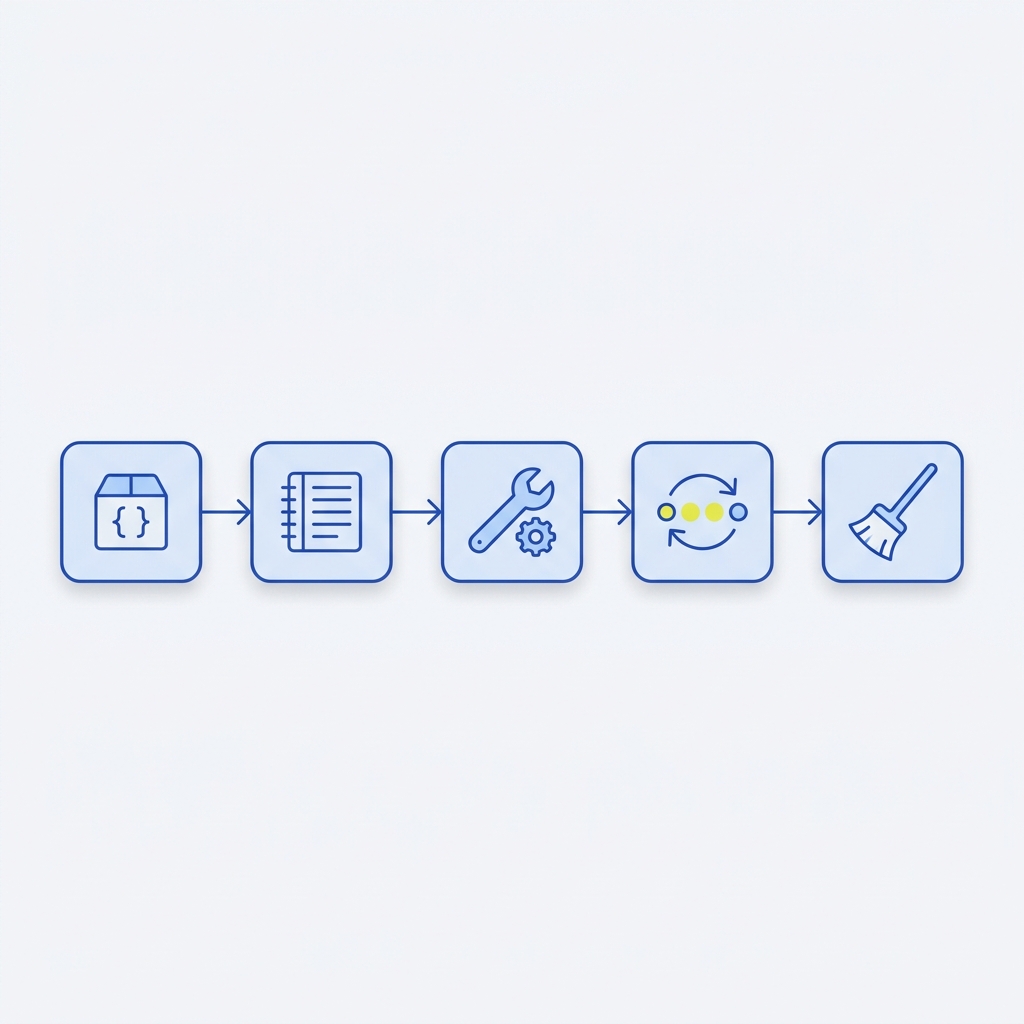
- Create or select the DLQ, then associate it with the source queue. In SQS, define a redrive policy with maxReceiveCount. In Service Bus, set an appropriate MaxDeliveryCount on the entity https://docs.aws.amazon.com/AWSSimpleQueueService/latest/SQSDeveloperGuide/sqs-dead-letter-queues.html https://learn.microsoft.com/en-us/azure/service-bus-messaging/service-bus-dead-letter-queues.
- Retention: for SQS Standard, set the DLQ retention longer than the source queue’s retention so failed messages remain available long enough to investigate https://docs.aws.amazon.com/AWSSimpleQueueService/latest/SQSDeveloperGuide/sqs-dead-letter-queues.html.
- Alarms and visibility: configure alerts when any messages appear in the DLQ and monitor the DLQ-to-processed ratio. In SQS, CloudWatch alarms can be created for DLQ metrics https://docs.aws.amazon.com/AWSSimpleQueueService/latest/SQSDeveloperGuide/sqs-dead-letter-queues.html. In Service Bus, there is no automatic cleanup; plan regular review https://learn.microsoft.com/en-us/azure/service-bus-messaging/service-bus-dead-letter-queues.
Create and operate a dead-letter queue safely
Triage and replay
Inspect the message payload and the platform-provided reason fields. In Service Bus, use DeadLetterReason and DeadLetterErrorDescription to understand causes like TTLExpiredException or MaxDeliveryCountExceeded https://learn.microsoft.com/en-us/azure/service-bus-messaging/service-bus-dead-letter-queues. Fix the producer, consumer, or downstream dependency, then redrive. Some systems support automated redrive; otherwise, re-enqueue messages after remediation https://aws.amazon.com/what-is/dead-letter-queue/.
Before replaying in bulk, protect against duplicates by using idempotency keys in your handlers (Idempotency keys: safe retries without duplicate actions).
Operational pitfalls to avoid
- Unmonitored DLQs become invisible data loss. Always alert on nonzero DLQ count and schedule regular triage https://docs.aws.amazon.com/AWSSimpleQueueService/latest/SQSDeveloperGuide/sqs-dead-letter-queues.html https://learn.microsoft.com/en-us/azure/service-bus-messaging/service-bus-dead-letter-queues.
- Mis-tuned thresholds cause churn or hide issues. Start with a modest retry limit, validate with load tests, and adjust based on failure patterns https://docs.aws.amazon.com/AWSSimpleQueueService/latest/SQSDeveloperGuide/sqs-dead-letter-queues.html.
- Breaking ordering guarantees. If order matters, use a matching DLQ type and replay strategy that preserves order, or avoid a DLQ for that flow https://docs.aws.amazon.com/AWSSimpleQueueService/latest/SQSDeveloperGuide/sqs-dead-letter-queues.html.
FAQ
How is a DLQ different from a regular queue?
A regular queue holds messages for normal processing. A DLQ specifically stores messages that failed processing so you can analyze and decide to fix, replay, or discard them https://aws.amazon.com/what-is/dead-letter-queue/.
Can I replay messages from a DLQ safely?
Yes. Investigate the failure reason first, fix the root cause, then redrive. Apply rate limits and idempotency to avoid double-processing and to protect recovering services https://aws.amazon.com/what-is/dead-letter-queue/.
